Tasquel
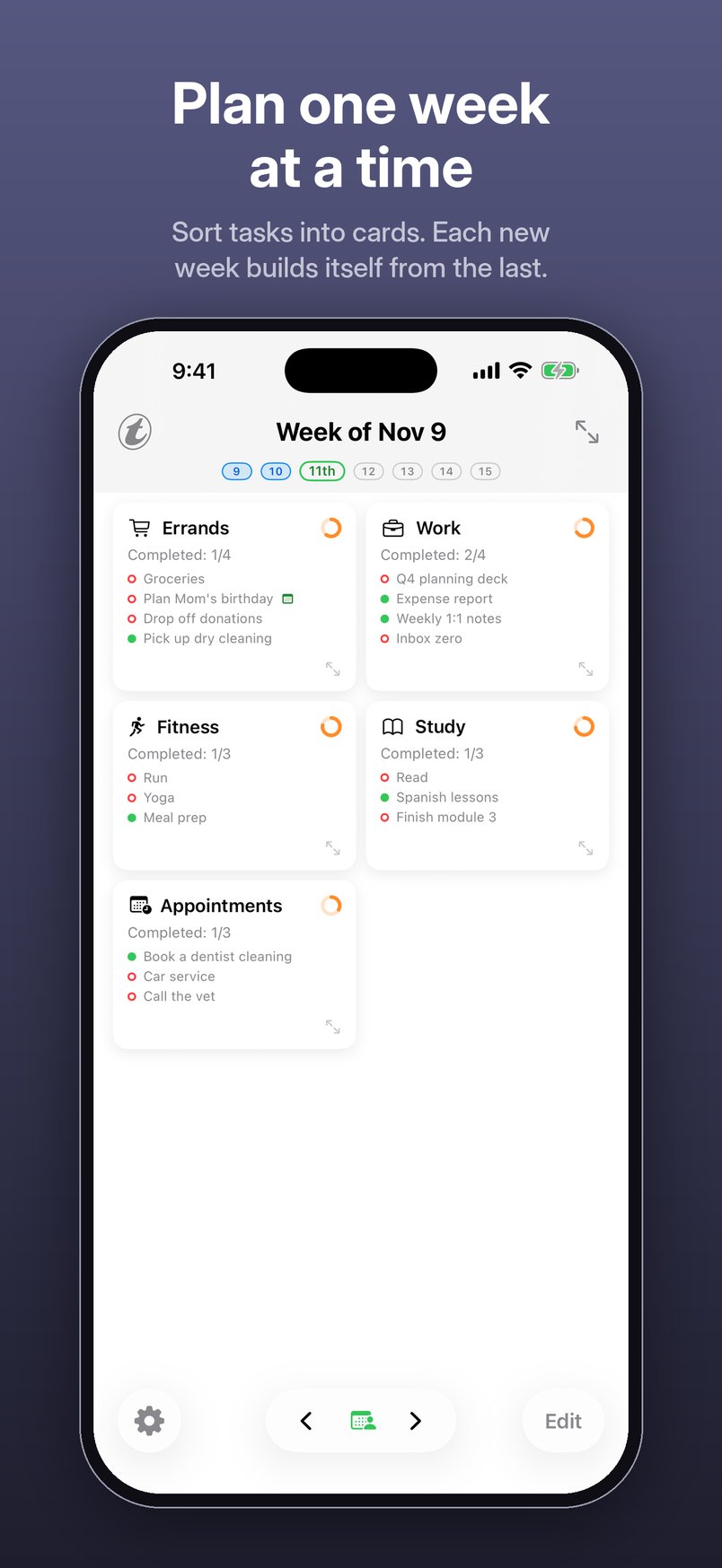
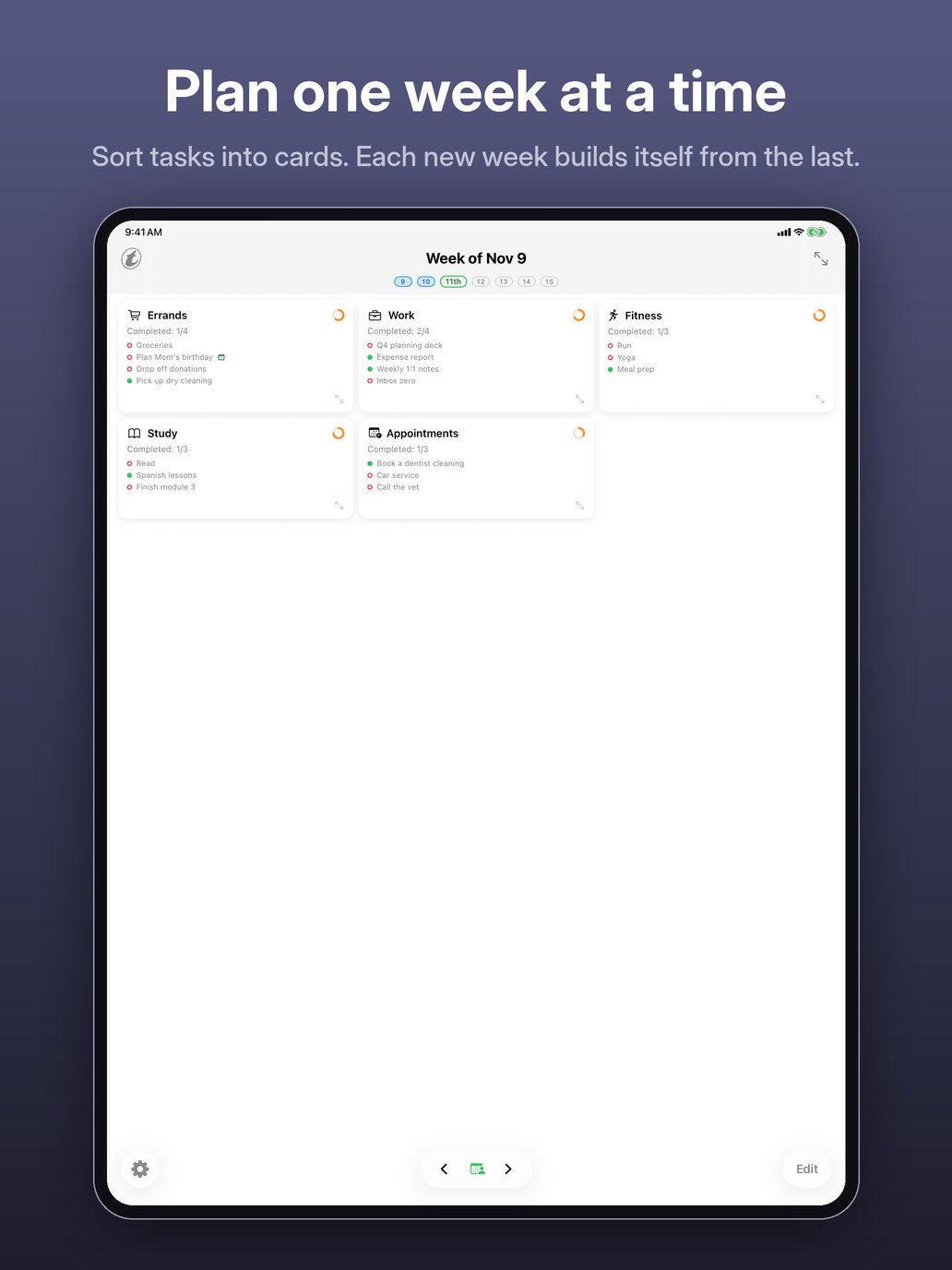
Tasquel is a weekly checklist for iPhone and iPad that plans one week at a time. Sort tasks into categories, and choose whether each one carries over until it’s done, repeats every week, or stays in its week.

- SupportGet help, contact the developer, and read the FAQ.
- Privacy PolicyTasquel doesn’t collect personal data. Read the full policy.
Seasonal themes
Seasonal themes
New in 1.1
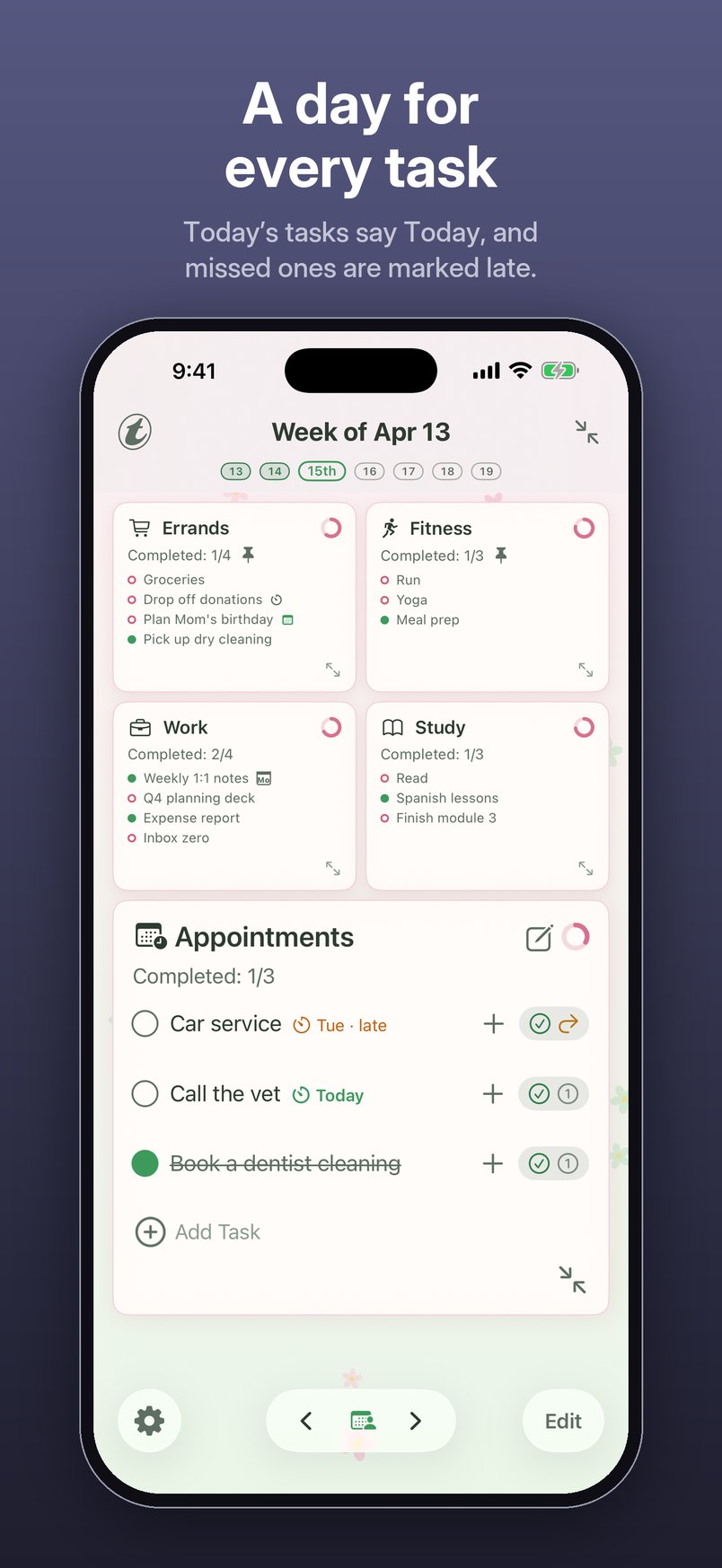
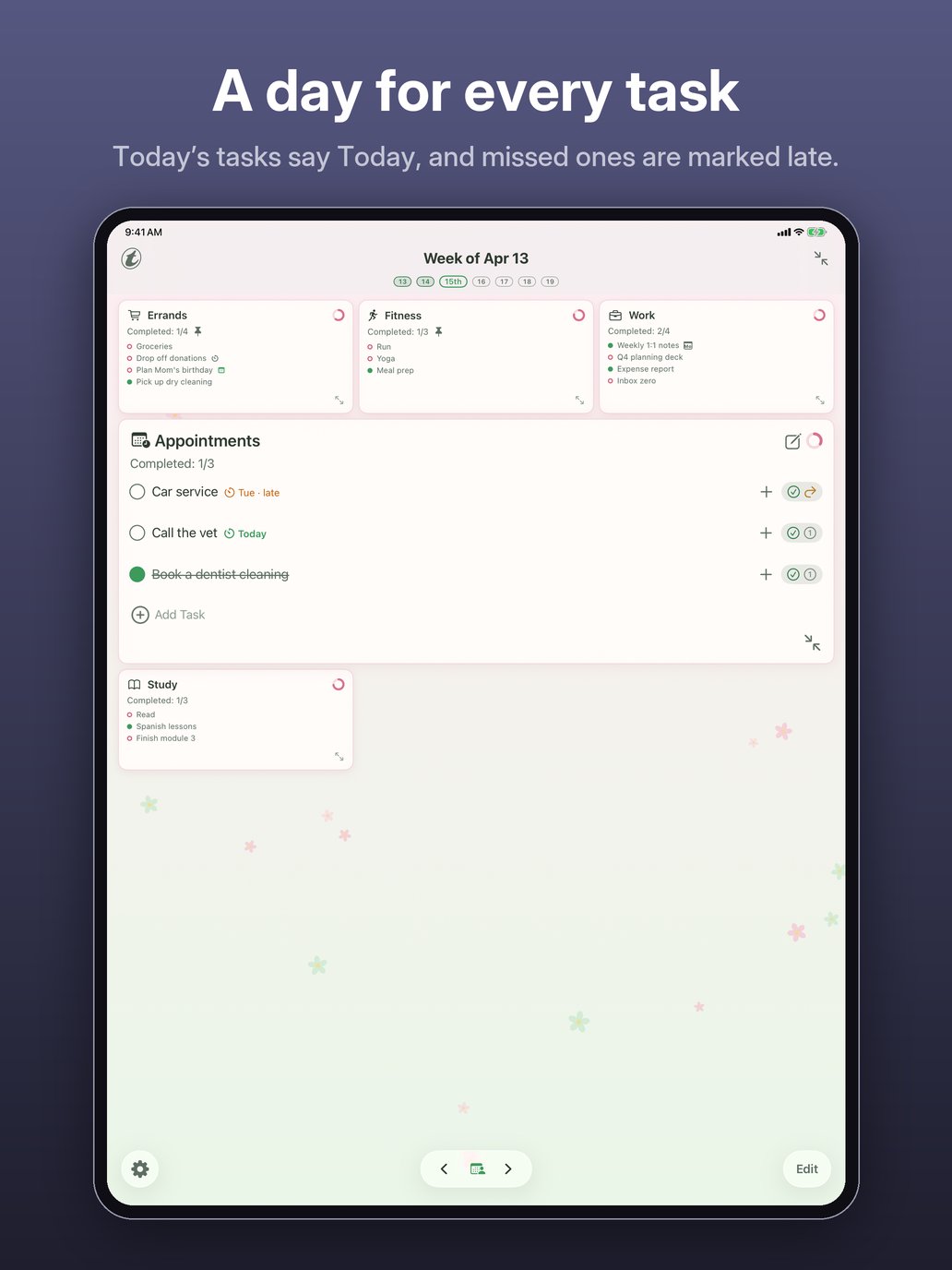
- Days for tasks: give a task a day of the week. On its day it reads Today, and its card gives a little wiggle when you open the app. Tap a day at the top to see just that day’s tasks.
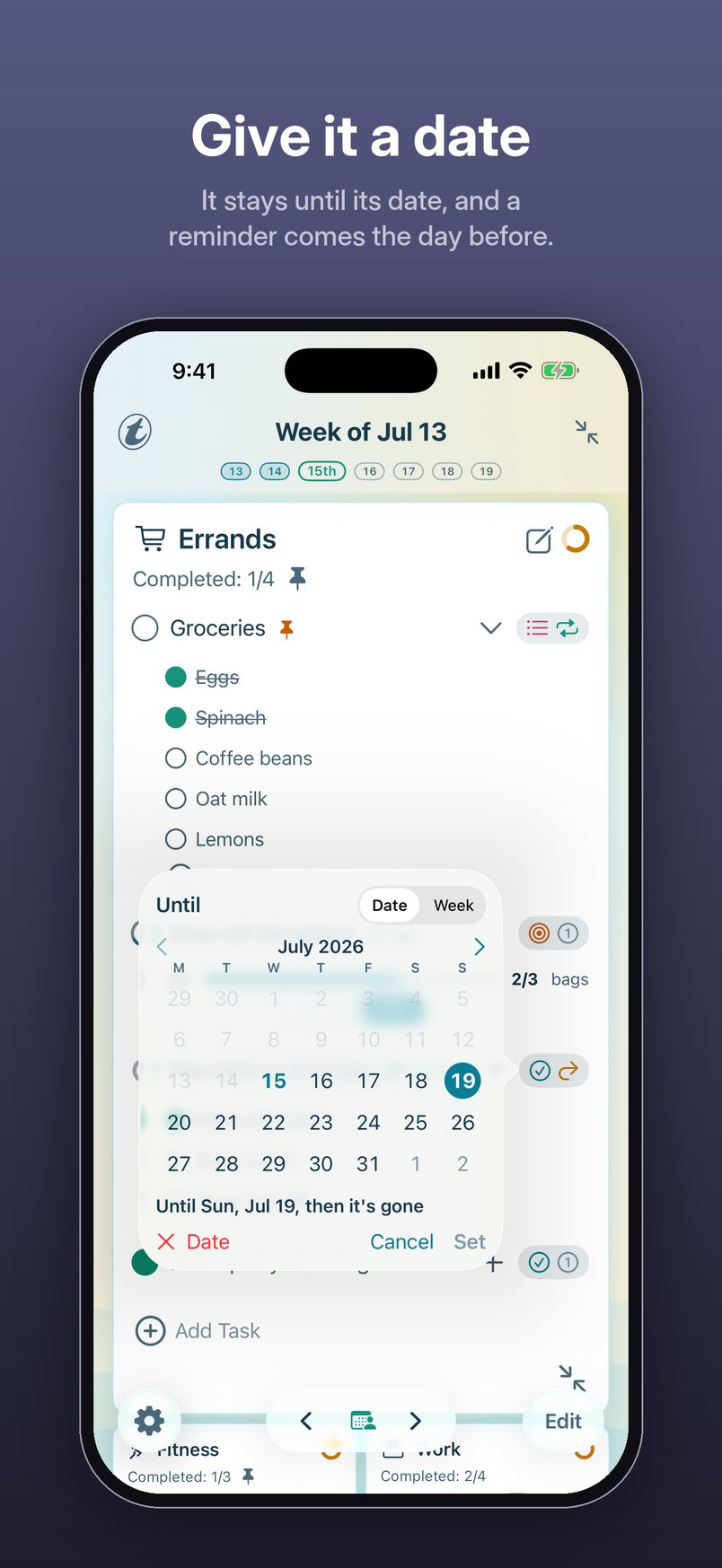
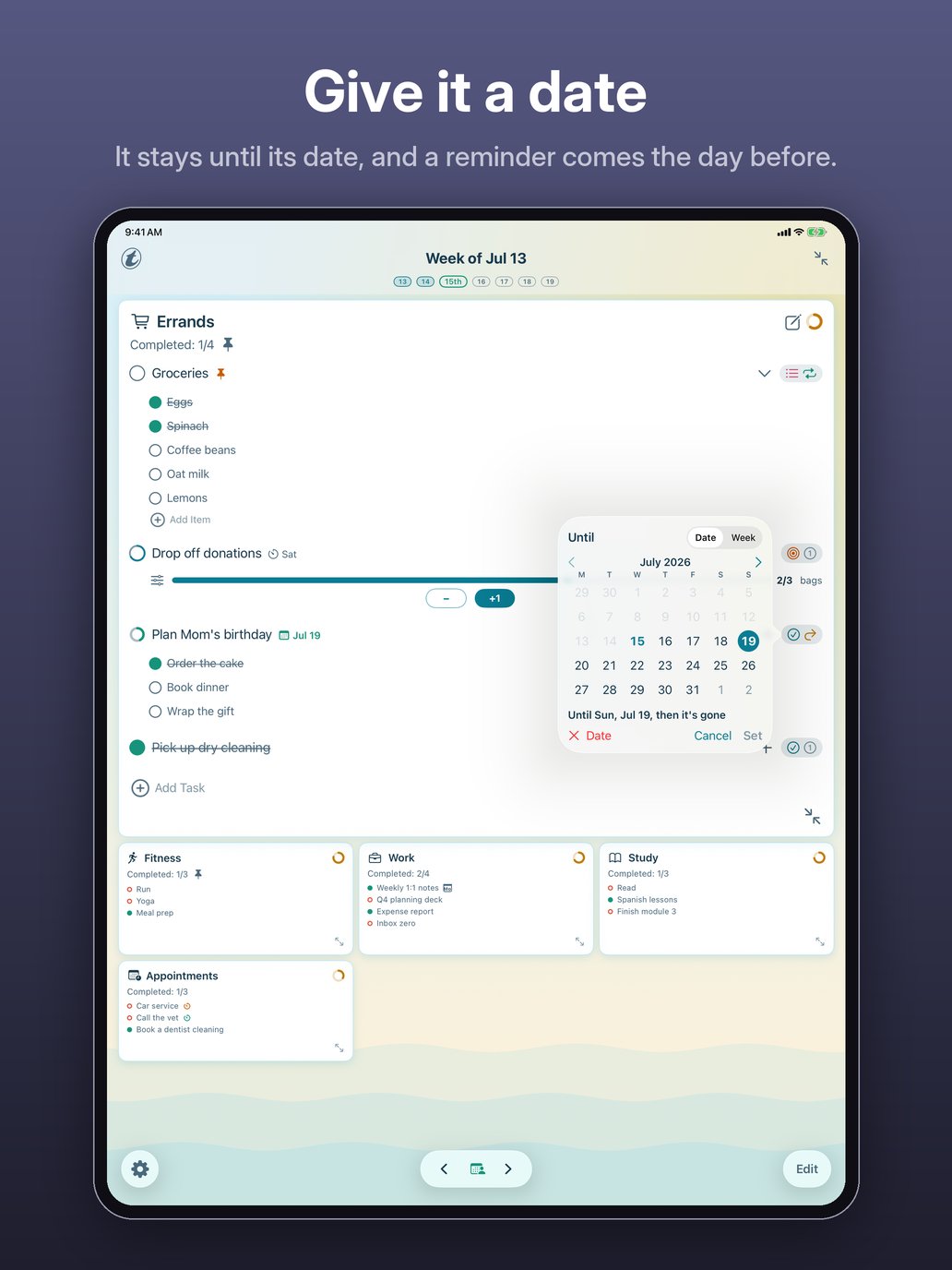
- Dates and reminders: give a task a date. A one-time task moves into that week, and a carry-over task comes along until then. A notification reminds you the day before.
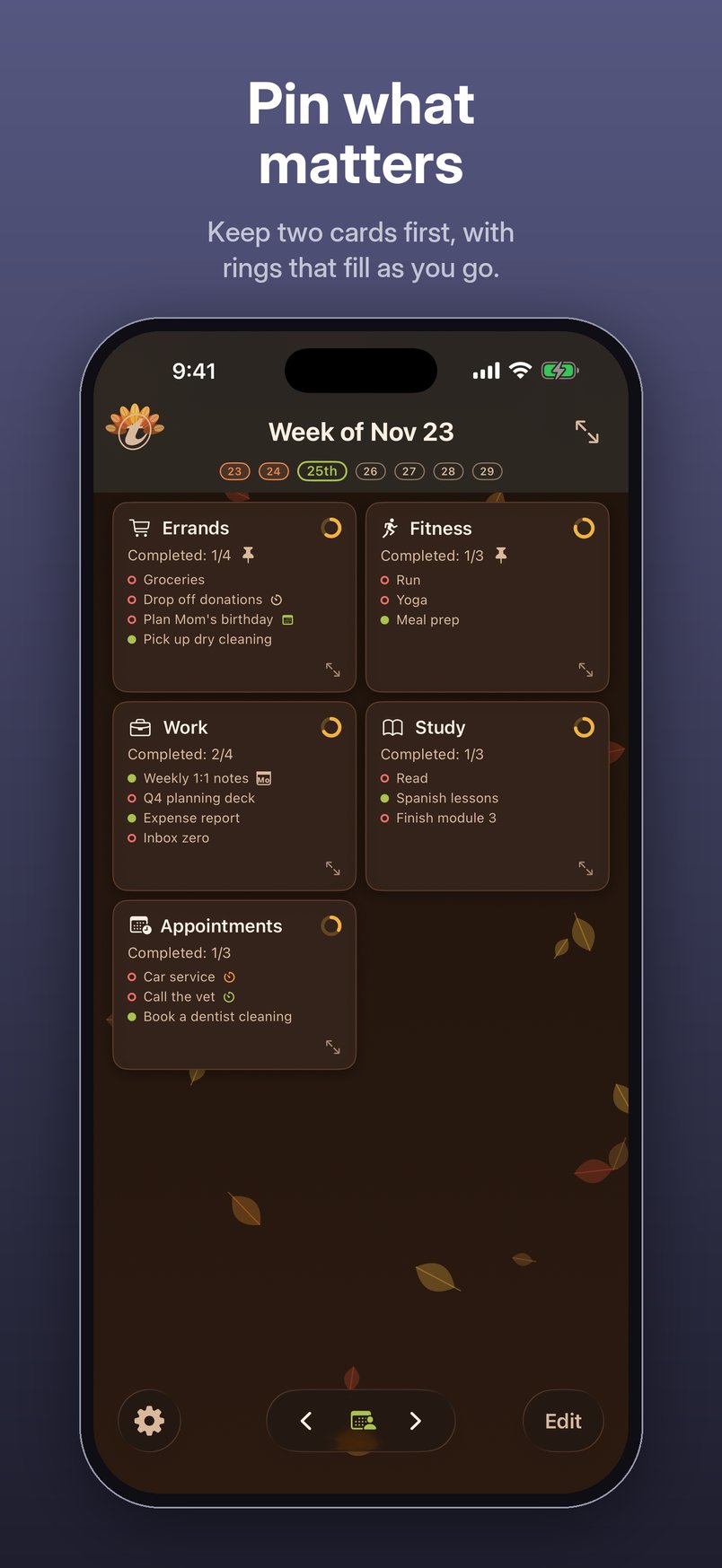
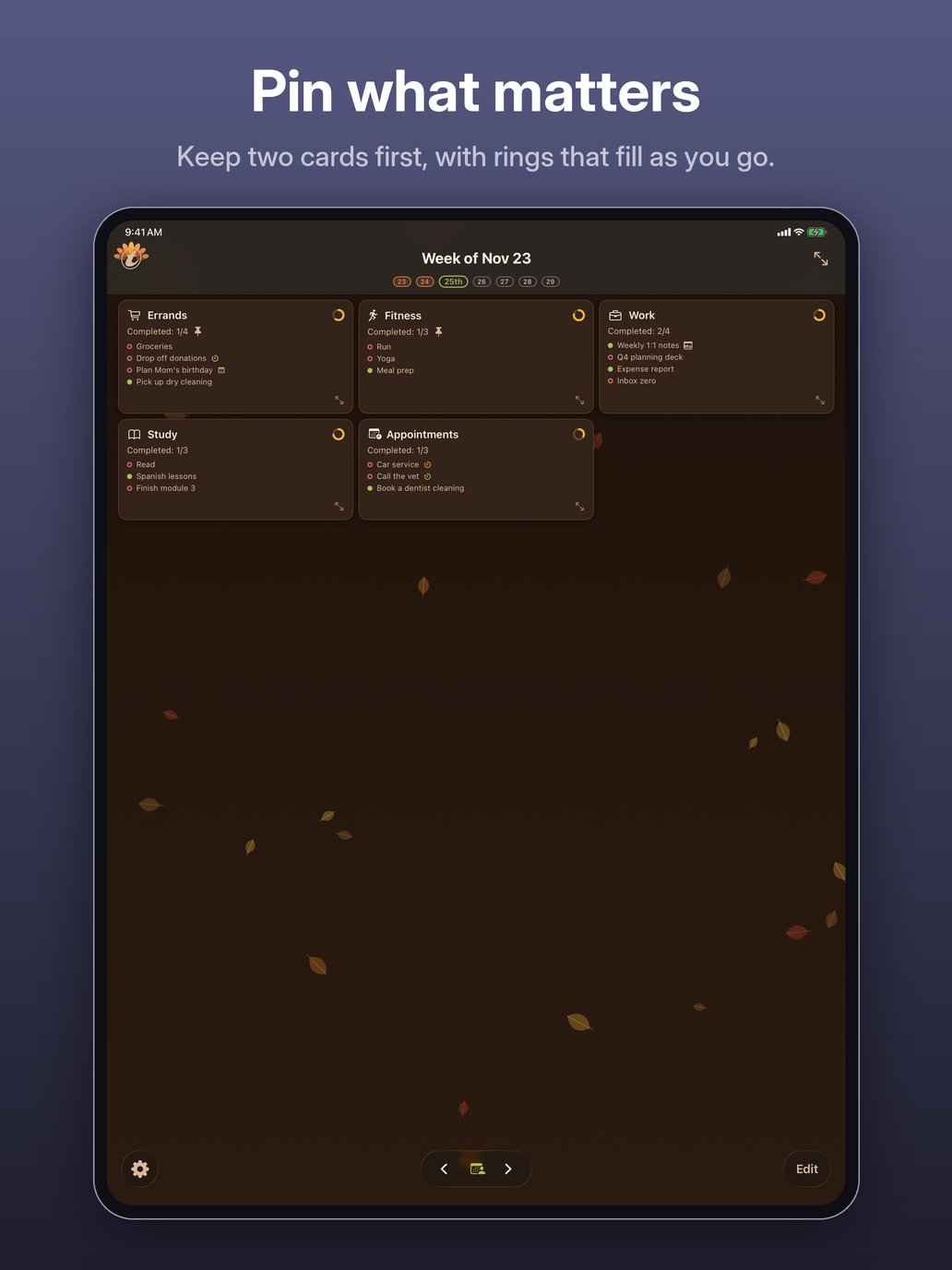
- Pins: keep up to two cards first in the grid, and up to two tasks at the top of a card.
- Progress rings: a card’s ring fills as you go, counting each step of a goal and each item of a list.
- Duplicates flagged: tasks or list items with the same name in one card are marked, so nothing gets done twice.
- Seasonal look: colors that change with the season, and a logo that dresses up for the holidays.
- Back to This Week: on another week, tap the green house in the bottom bar.
- Faster: scrolling, opening cards and checking off tasks are much quicker, even with lots of tasks.
How Tasquel works
Tasquel plans one week at a time. Tasks live in category cards, such as Errands, Work or Fitness. When a new week starts, Tasquel builds it from the last one: unfinished tasks move forward, weekly habits come back unchecked, and one-off tasks stay behind.
Three kinds of task
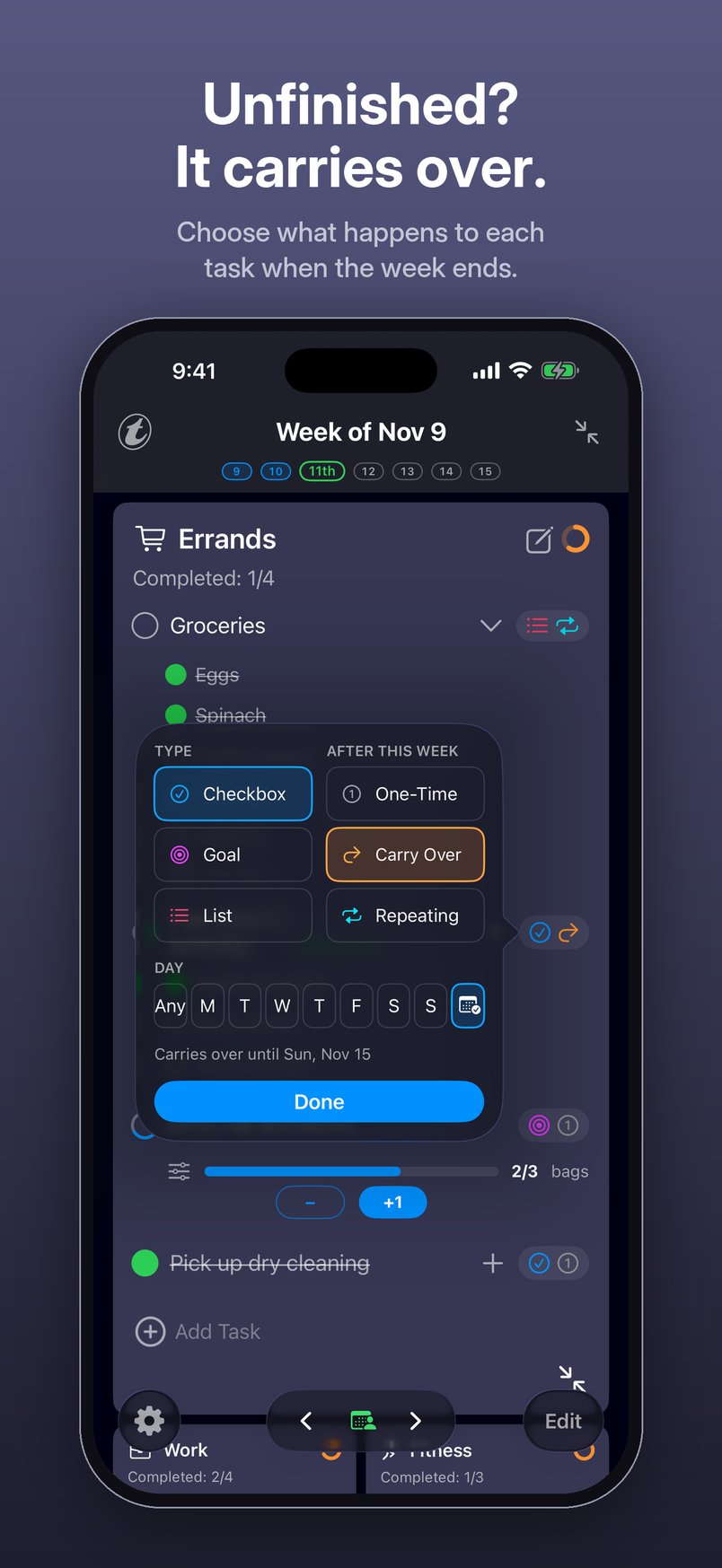
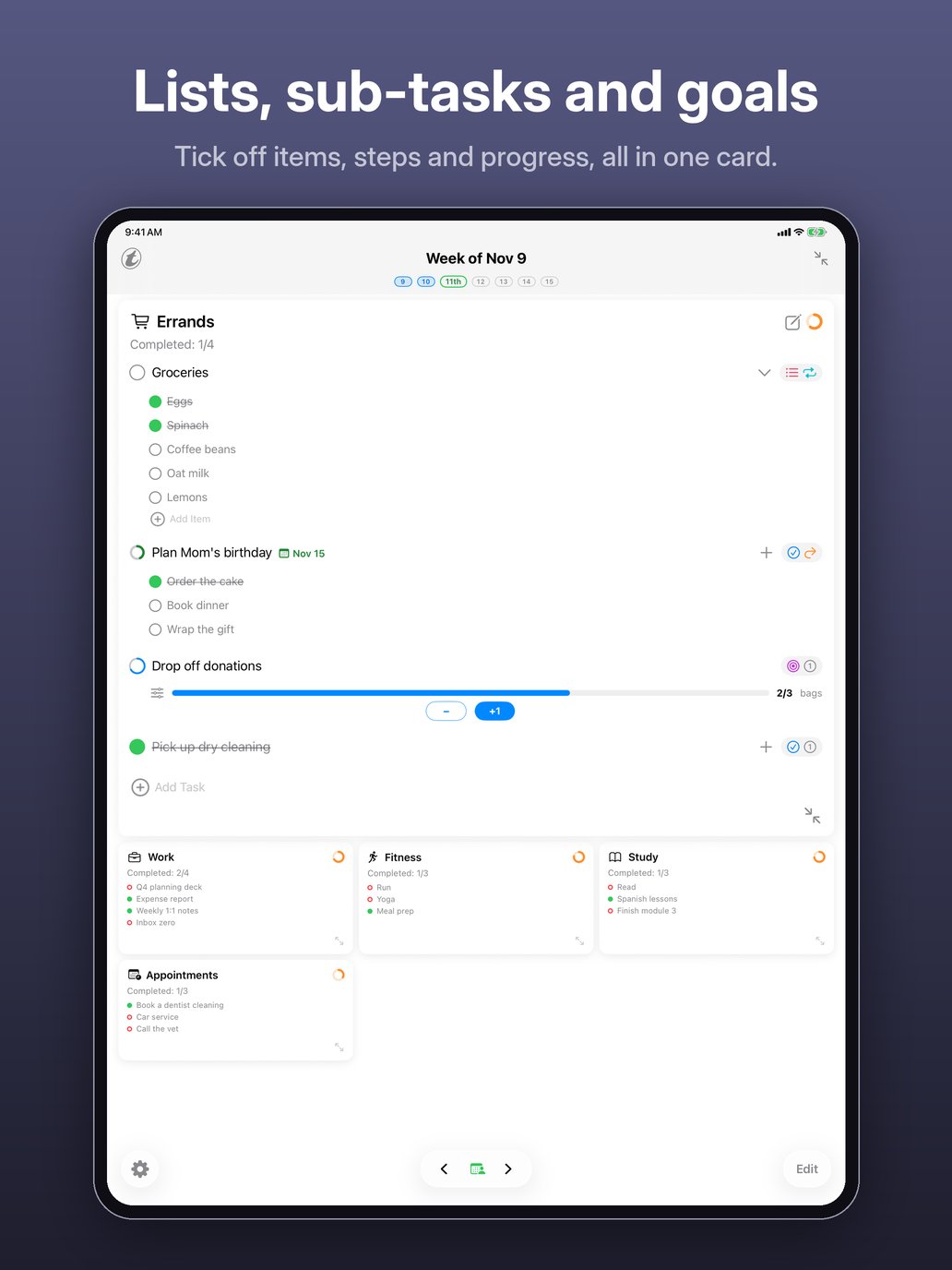
- Checkbox: a single task to tick off.
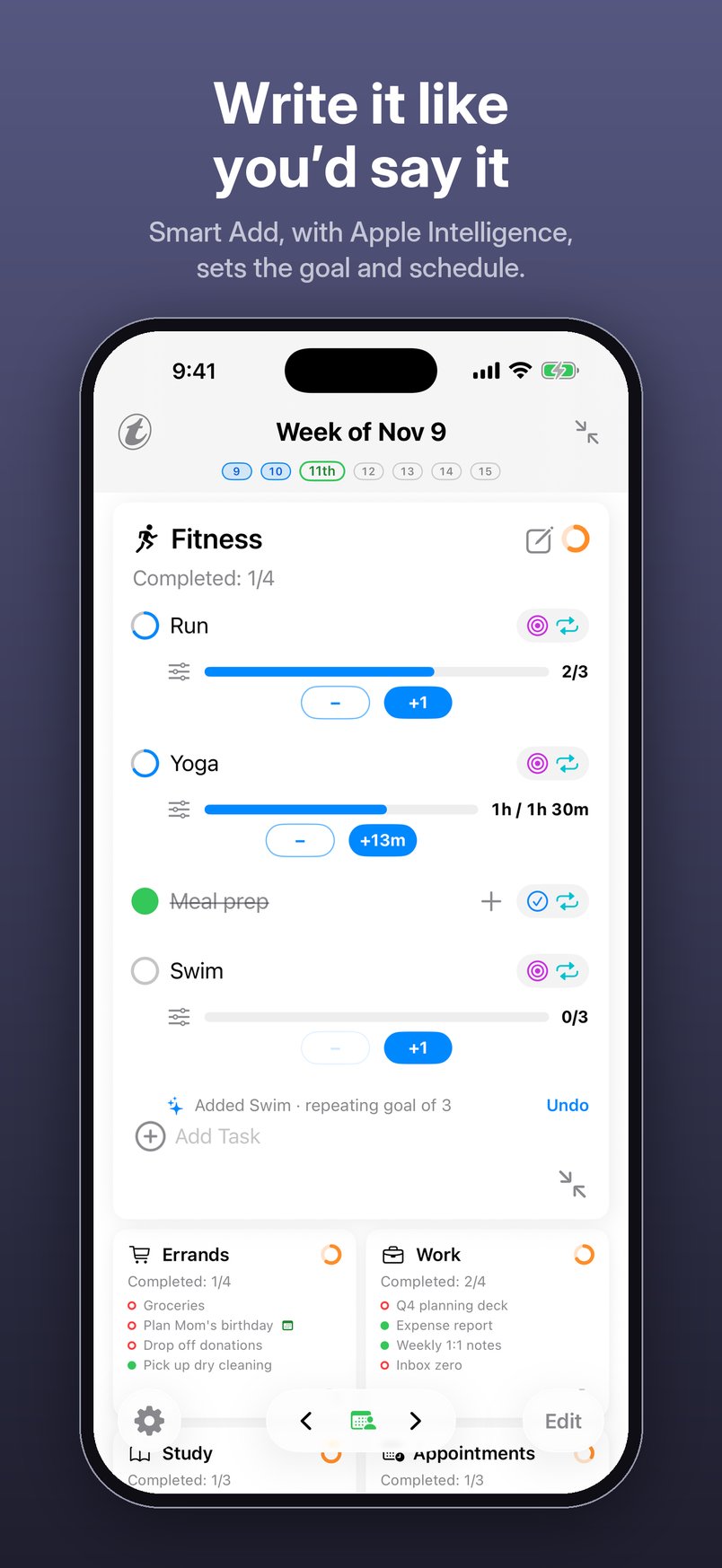
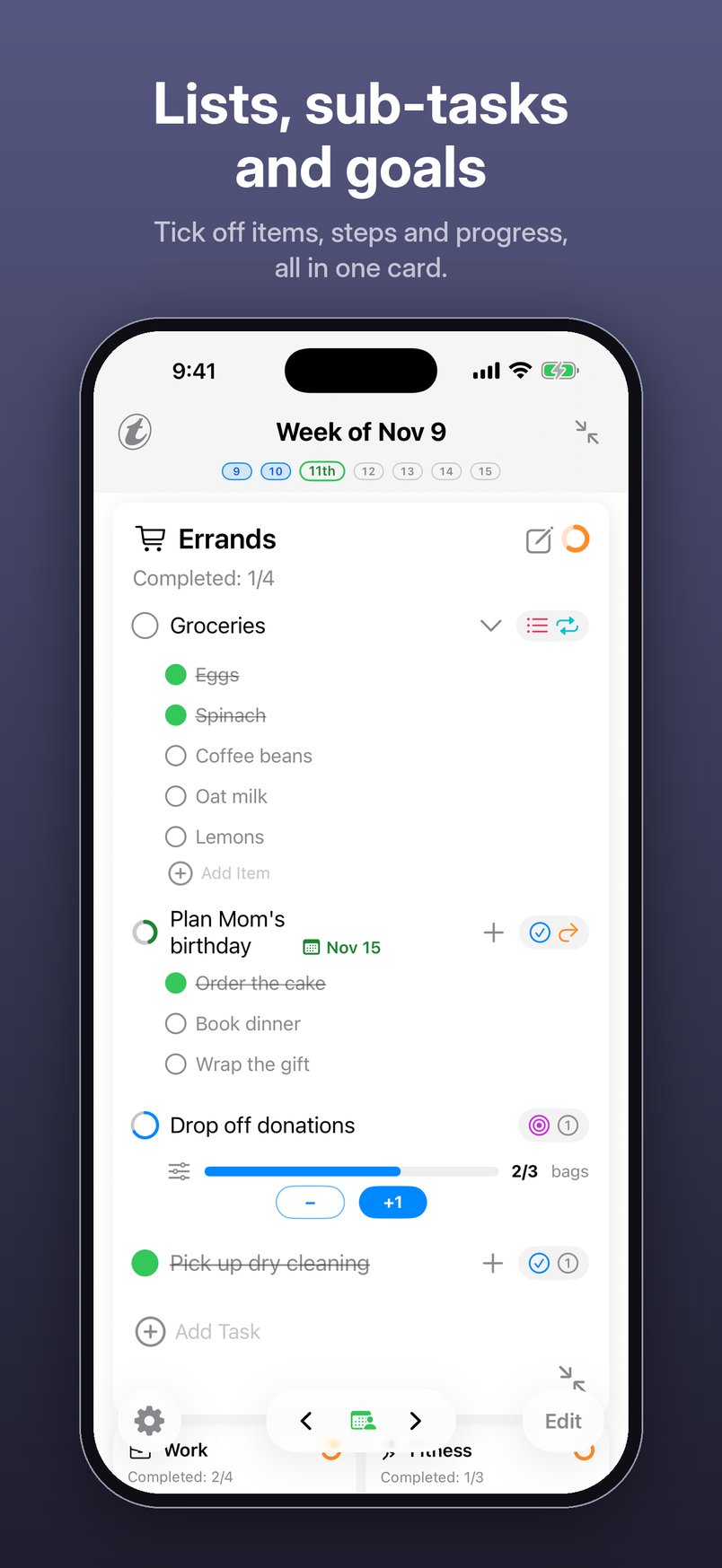
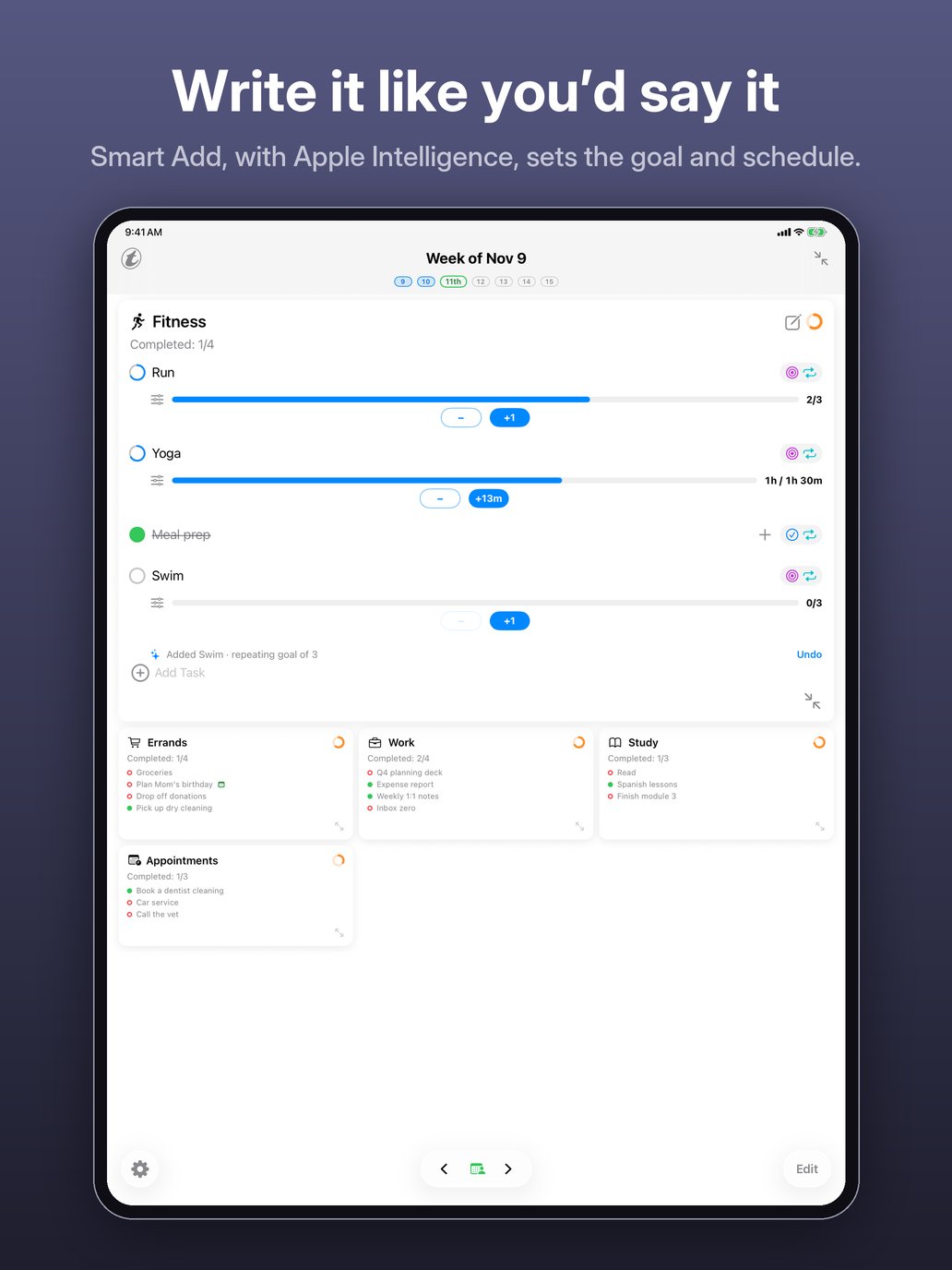
- Goal: progress toward a number, like 50 push-ups or 3 runs. Tap + to count progress and − to take it back. The goal checks itself off when it reaches the target.
- List: a task with its own items, like Groceries. It checks itself off when every item is done.
Three modes for when the week ends
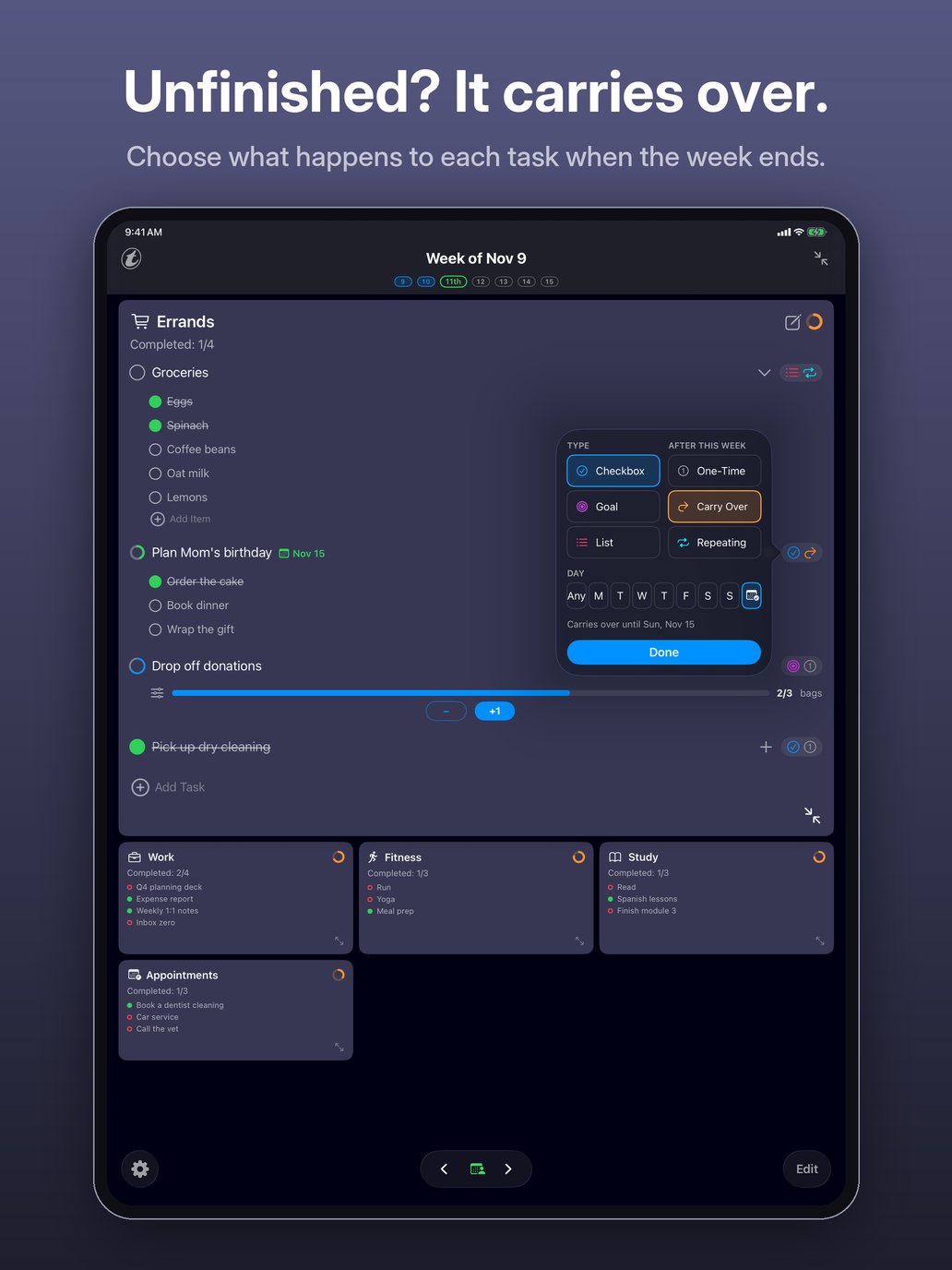
- One-Time: the task stays in its week. Give it a later date and it moves into that week. New tasks start as one-time.
- Carry Over: if the task isn’t finished, it moves into next week, and with a date, until that date.
- Repeating: the task comes back every week, unchecked.
Smart Add, on your device
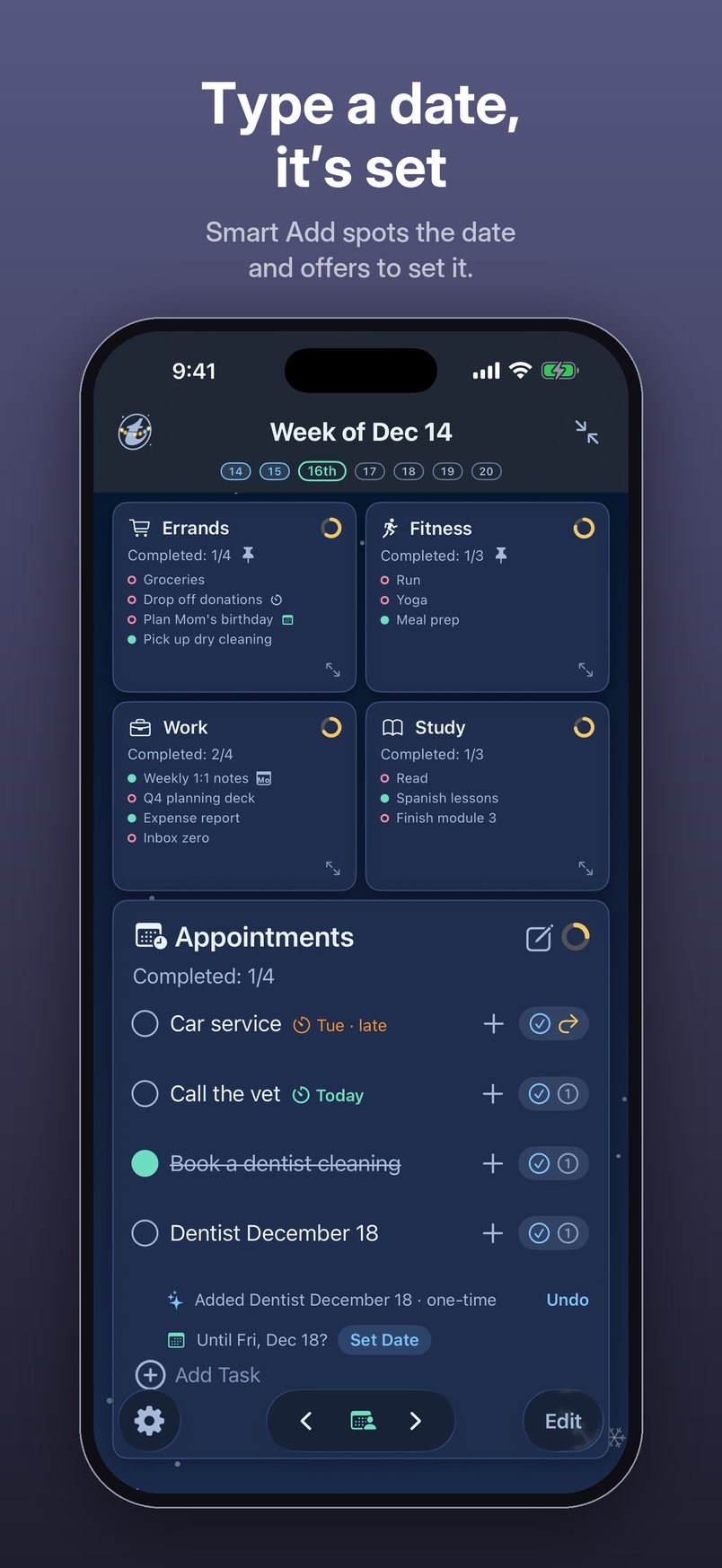
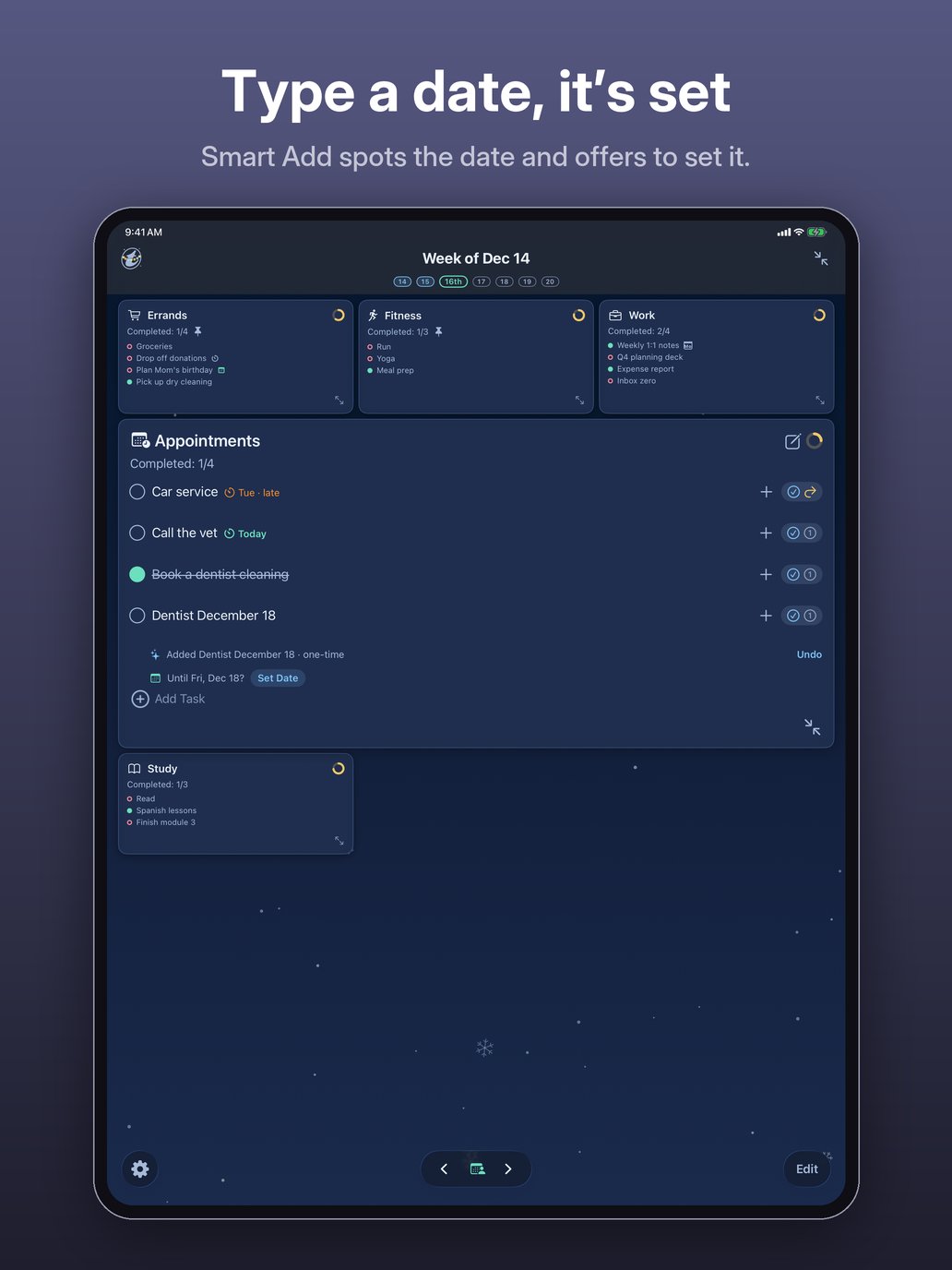
With Apple Intelligence turned on, type a task in your own words and tap the sparkles button. “Run 3x per week” becomes a repeating goal of 3, “Gym Mon, Wed, Fri” a weekly goal of 3, “Call Mom tomorrow” a task for tomorrow, and “Pay rent by Dec 1” a task that carries over until then. Type a date, like “Dentist December 15”, and Smart Add offers to set it. If it guesses wrong, tap Undo. Smart Add runs entirely on your device, and nothing you type is sent anywhere.
Also in Tasquel
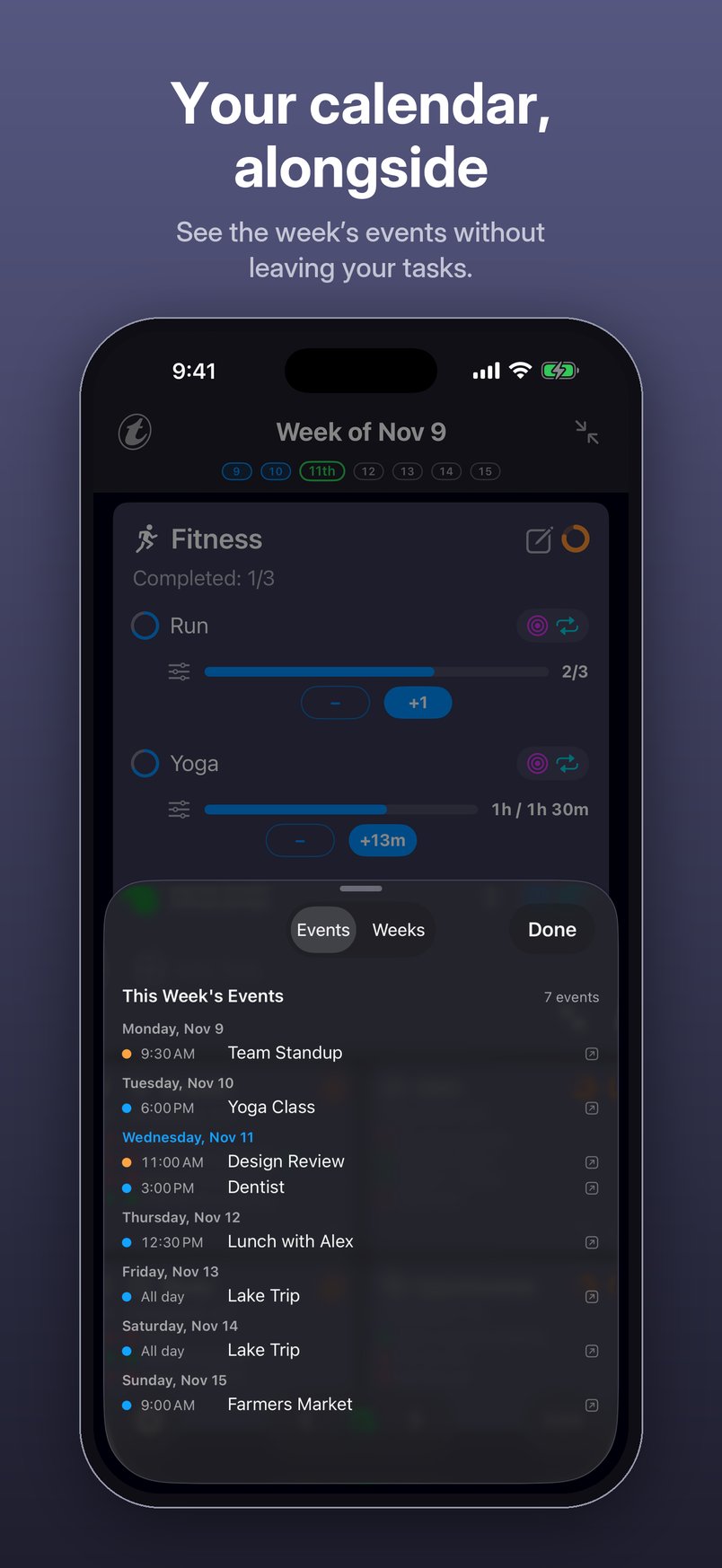
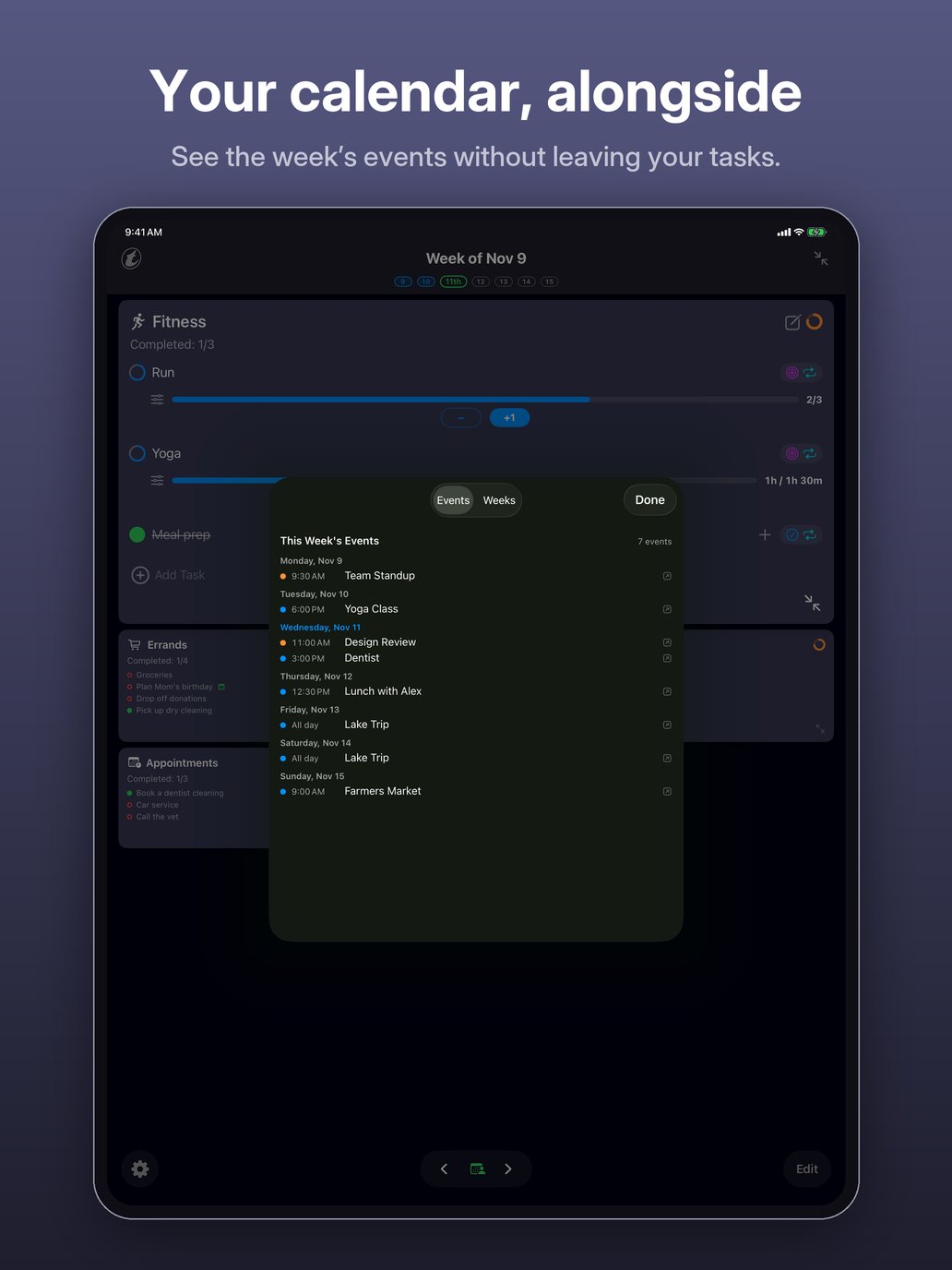
- Your calendar, alongside: optionally show the week’s events next to your tasks. Tasquel only reads them; it never changes your calendar.
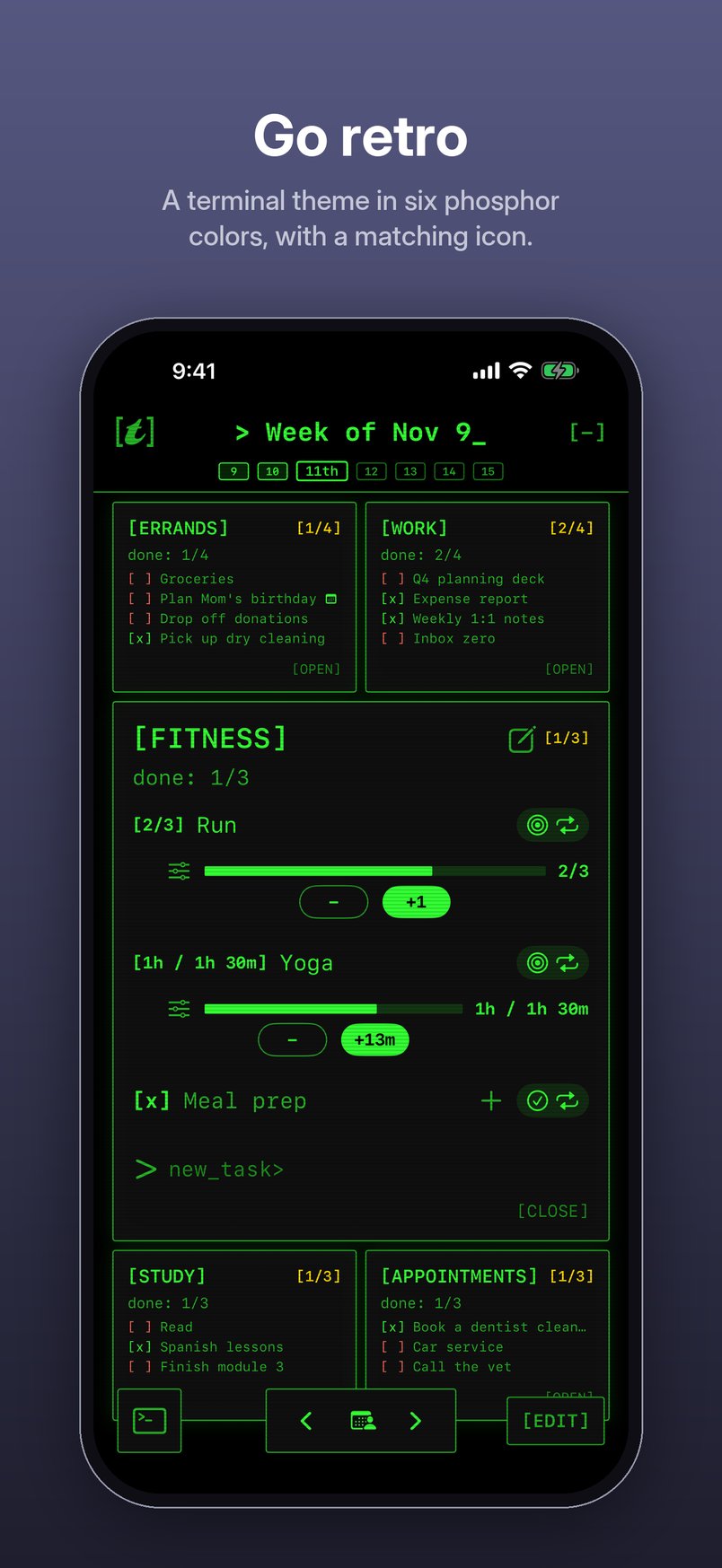
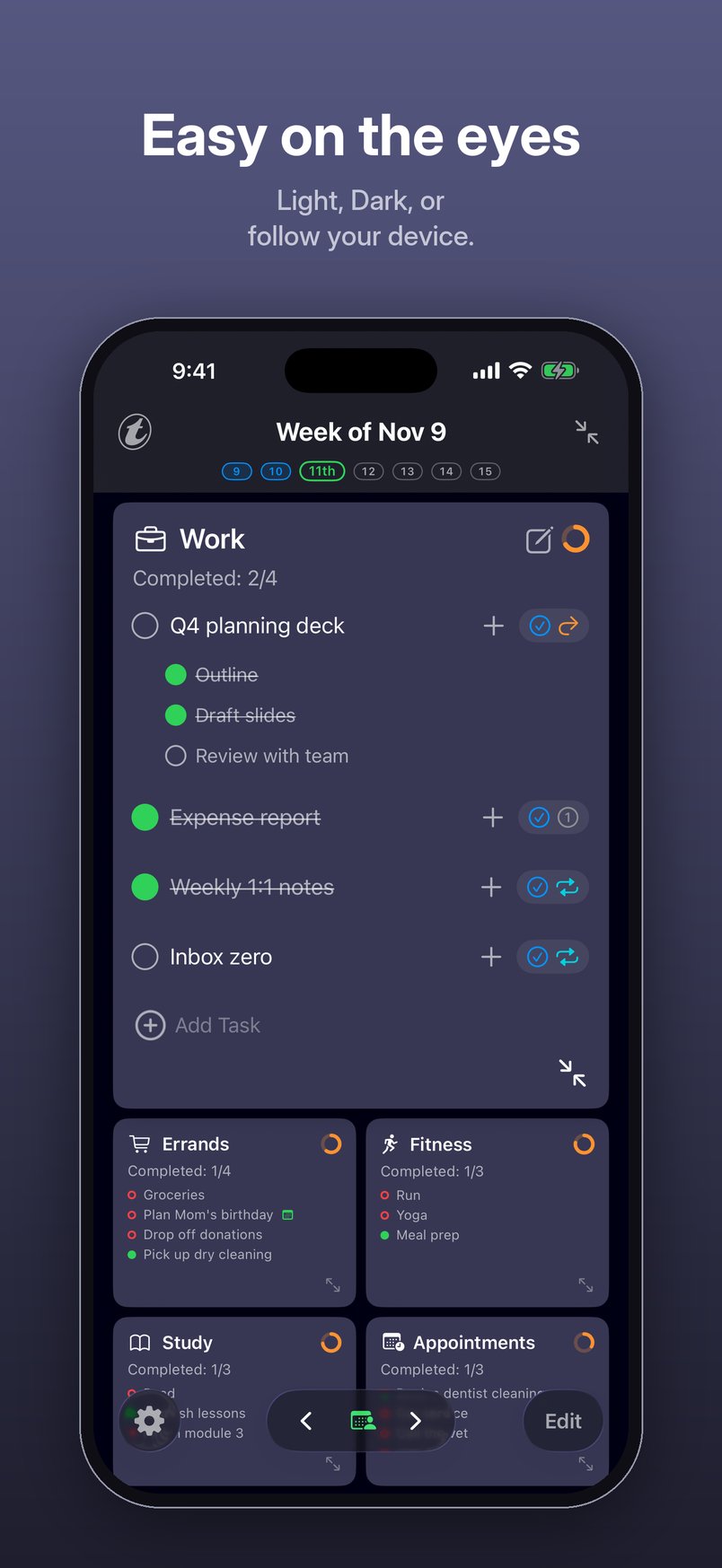
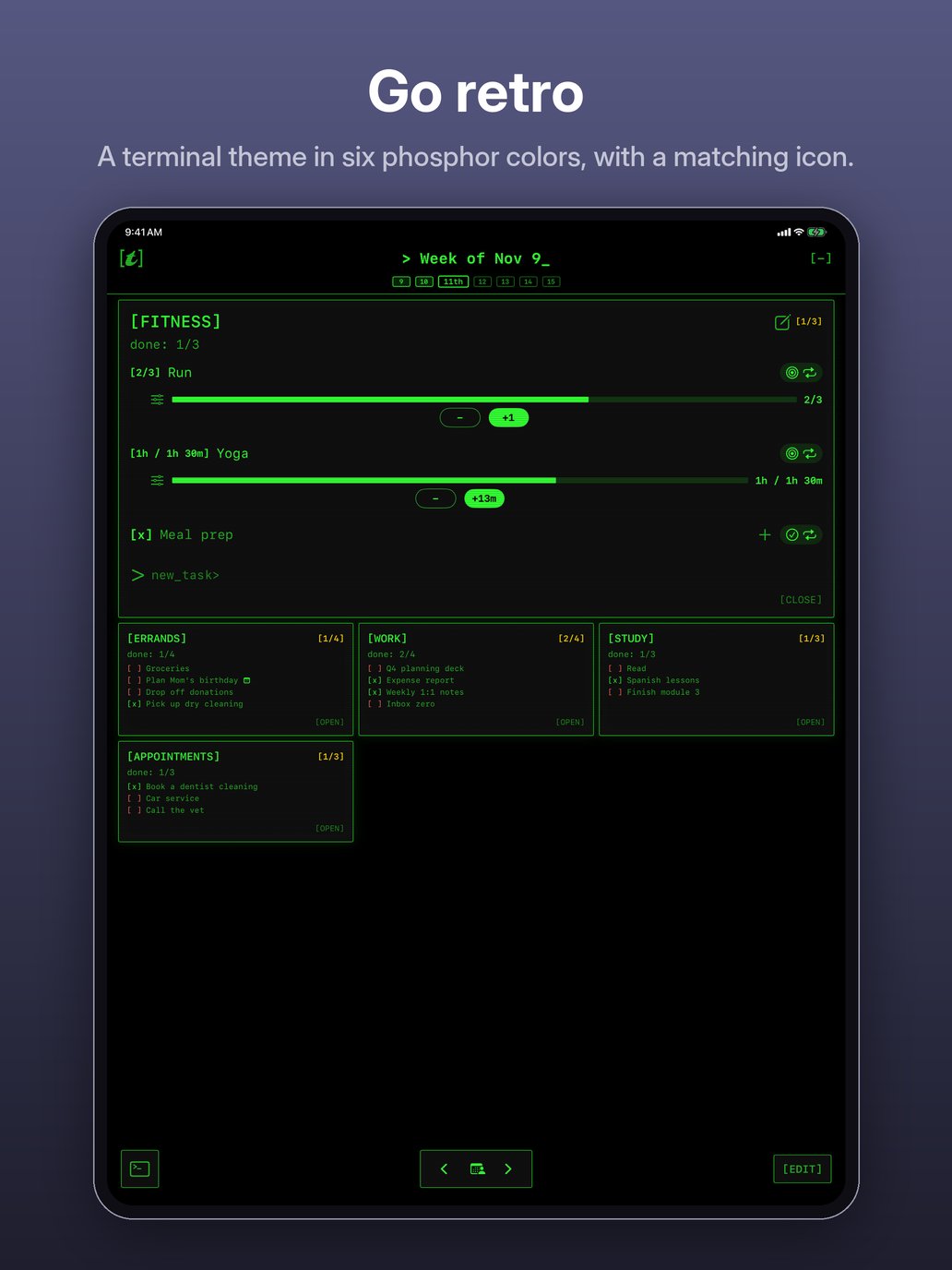
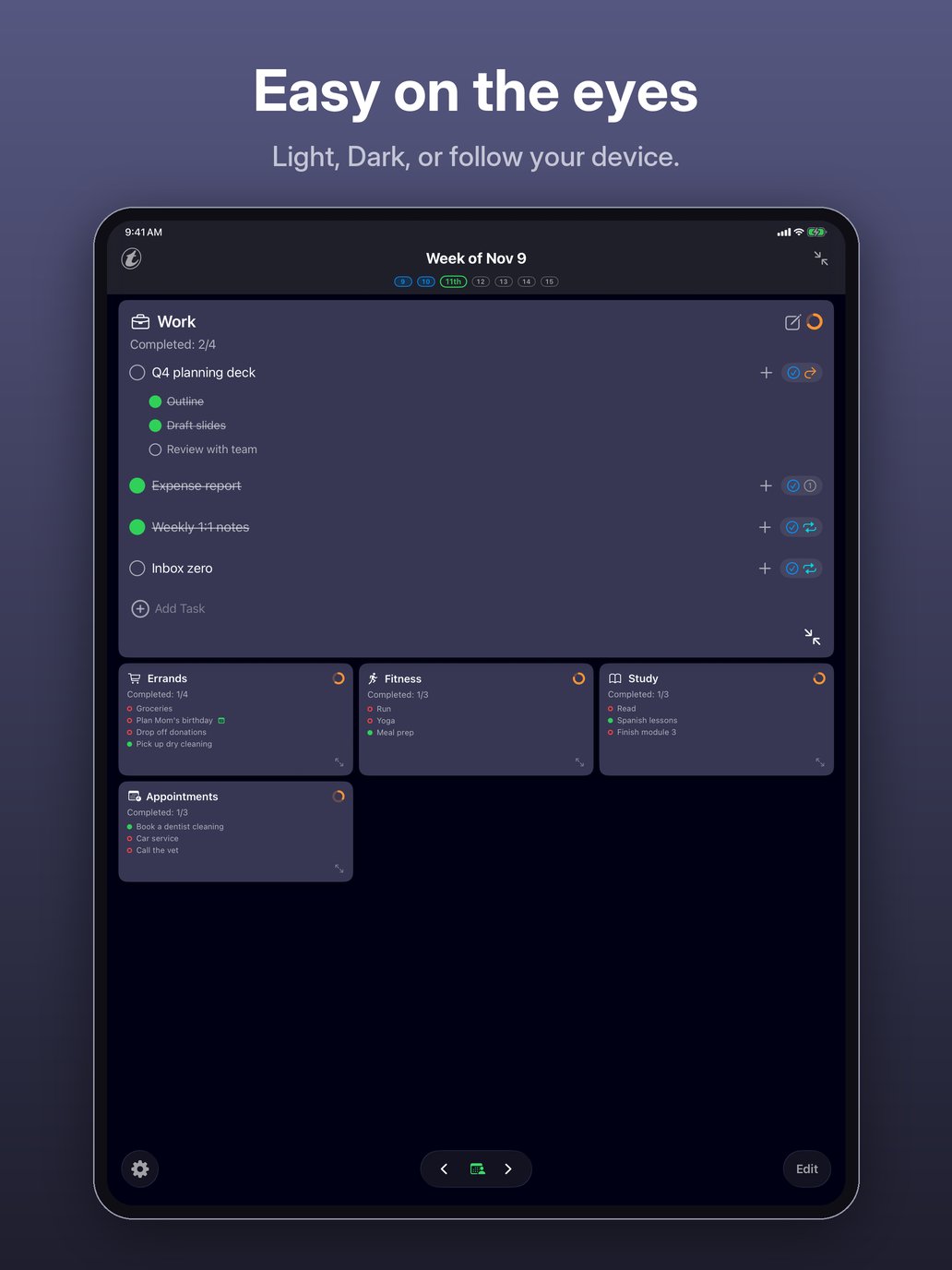
- Themes: Light, Dark or follow your device; Seasonal, whose colors change with the season; and a Retro terminal theme in six phosphor colors with a matching app icon.
- iPhone and iPad: designed for both, with open cards side by side in iPad landscape.
Free, with no account and no tracking
Tasquel is free. There’s no account to create, and no ads, analytics, tracking or third-party SDKs. Your tasks, categories and settings are stored only on your device. Reminders are scheduled on your device too. Read the Tasquel Privacy Policy for the details.